
Diet & Nutrition
Practice tests for exam success
Practice tests for exam success
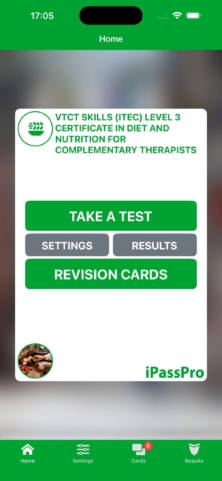
Revision made simple, with a diet and nutrition practice test to boost your confidence before the real thing. iPassPro covers the VTCT Skills (ITEC) Level 3 Certificate in Diet and Nutrition for Complementary Therapists. An Associate of The Association for Educational Assessment (AEA), with a decade of experience at a leading UK Exam Body, created the app.
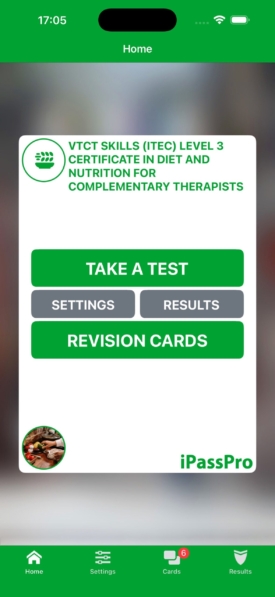
Everything starts from the Home screen, where you can:
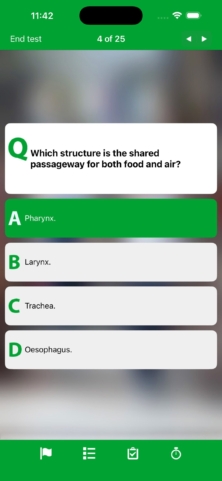
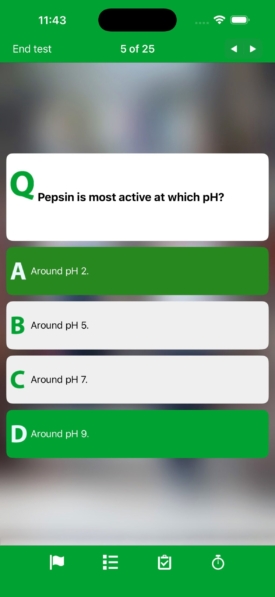
The app randomises each exam from an extensive question bank, so every practice test is different. Subject matter experts write the content, which matches the style and level of questions on your final exam.
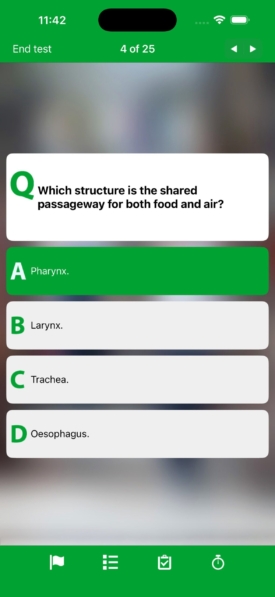
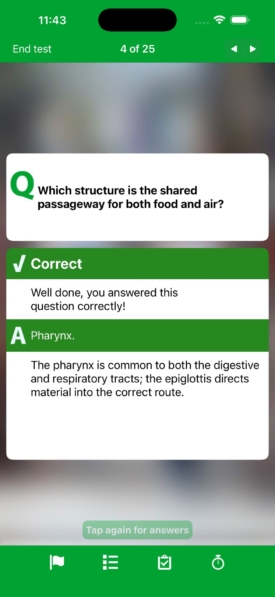
Each question appears on its own with a counter, such as 4 of 25, so you always know how far through the test you are.
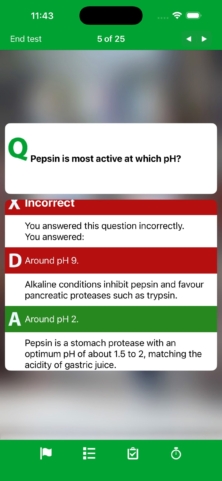
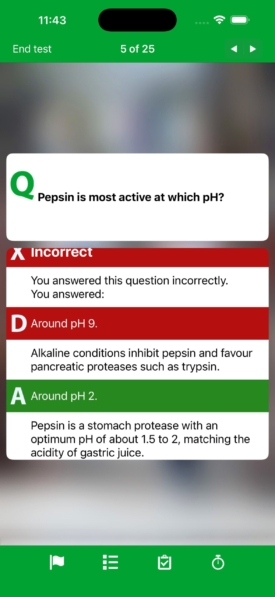
Choose real-time feedback during your test, or review detailed feedback once you have finished. Each answer comes with an explanation, so you learn why the right answer is right.
Every question has a toolbar along the bottom, so the test tools are always to hand:
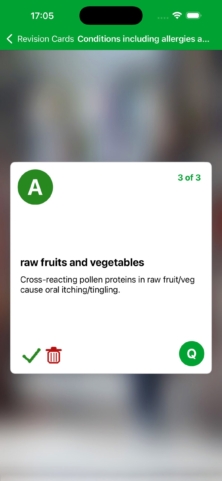
Add tough questions as Revision Cards and scroll through them later. The app adds incorrect questions automatically, so every question you got wrong is in one place to revisit, and you can mark each card as learnt.
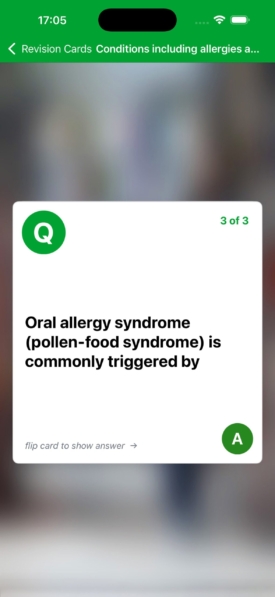
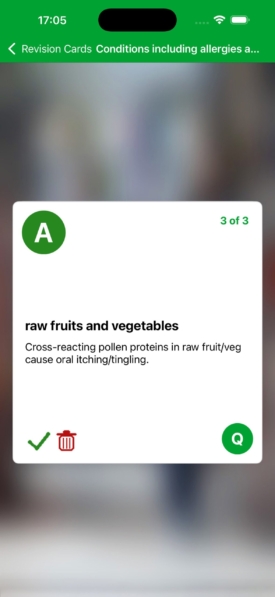
Each card shows a question on the front. Flip the card to show the answer, and keep going through your deck at your own pace.
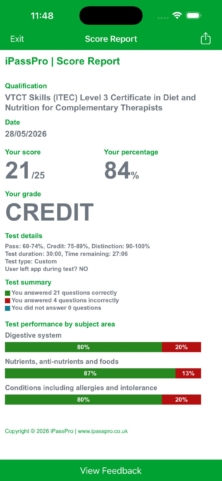
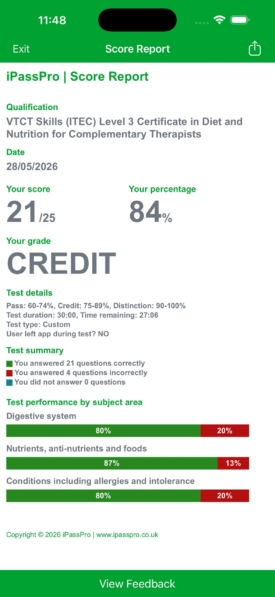
Visual score reports show your performance by subject area. Save a score report from every exam to see your improvement as exam day approaches.
Each report includes your score, percentage and grade, plus a test summary showing how many questions you answered correctly, incorrectly and not at all.
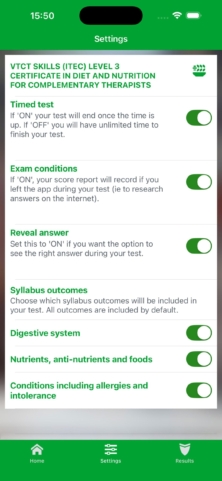
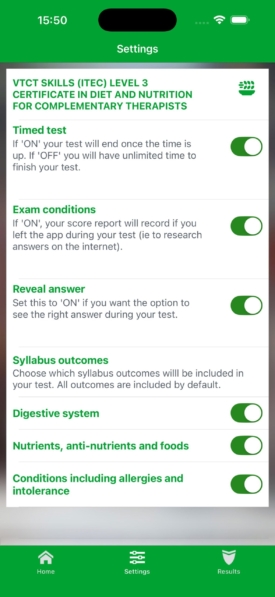
Choose which syllabus outcomes are included in your test from the Settings screen. The app includes all outcomes by default, so you can start with the full syllabus and narrow your focus to the areas you need.
Please include an email address if you’d like a response and so we can assist you further.


